
Appearance
Referral Links
Referral links are the unique web addresses that affiliates share with their audiences. Every time someone clicks one of these links and makes a booking, the referring affiliate gets credited.
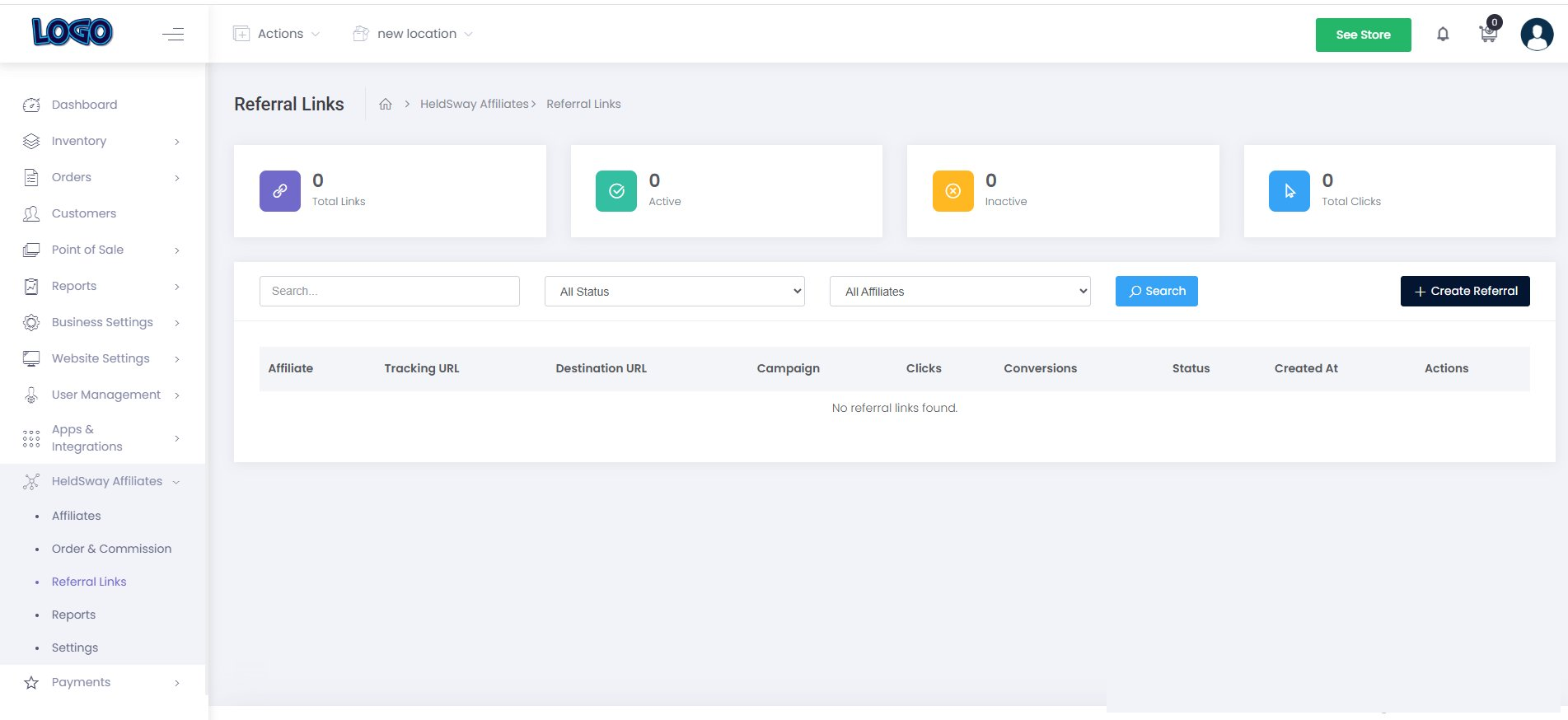
Opening the Referral Links Page
- In the left sidebar, click Affiliate → Referral Links.
Understanding the Summary Cards
- Total Links — all referral links created in your program.
- Active — links currently working and trackable.
- Inactive — links that have been paused.
- Total Clicks — how many times all your links have been clicked combined.
Creating a New Referral Link
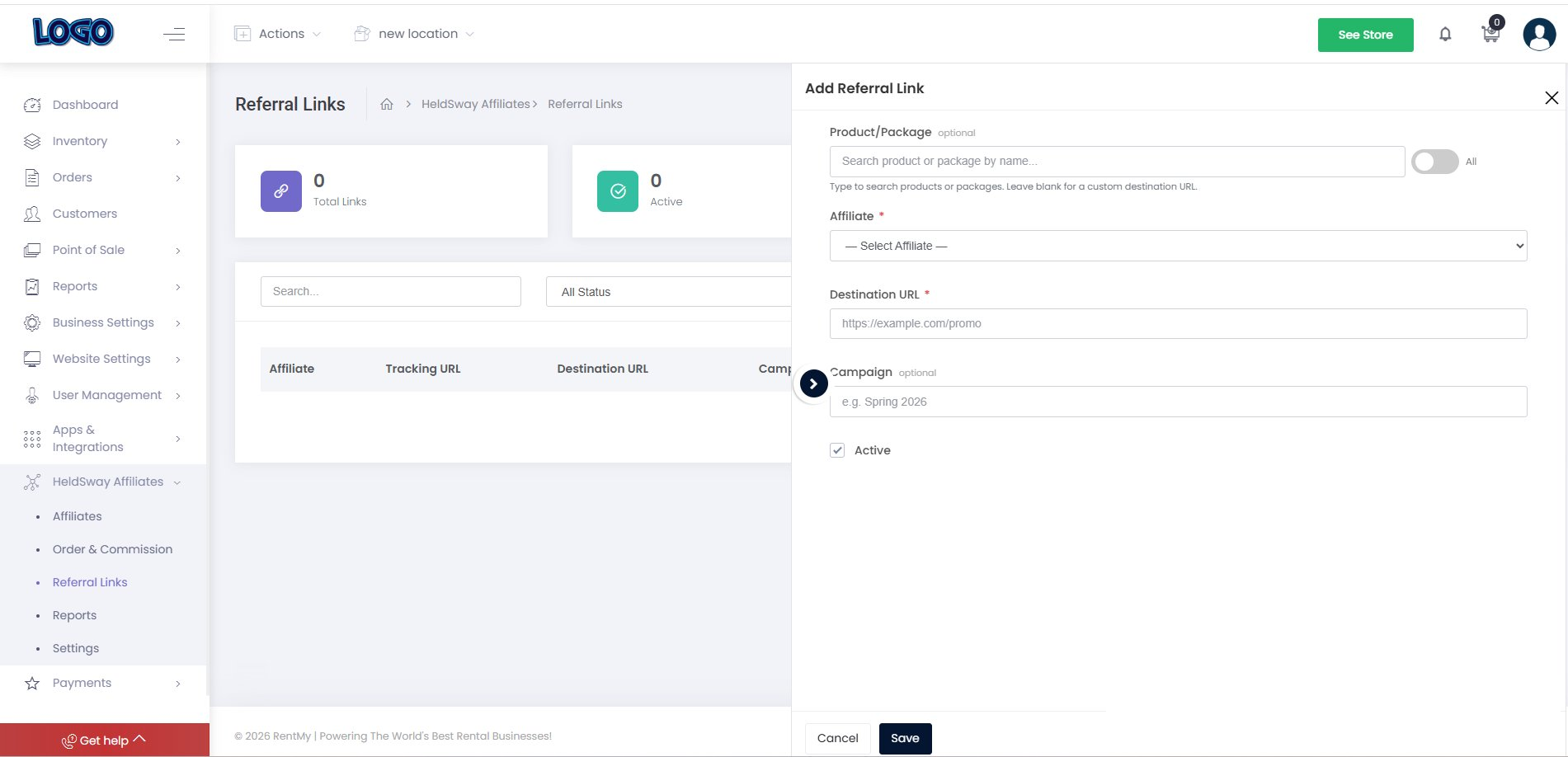
- Click the + Create Referral button in the top-right corner.
- Choose the affiliate and the destination page (product or homepage).
- Optionally add a Campaign name to group links together (e.g.
mountain_rentals_brand). - Click Create. The link will appear in the table immediately.
Copying a Referral Link
- Find the link in the table.
- Click the Copy button next to the URL slug.
- Paste the full link wherever you need it — in an email, a social media message, or a shared document with the affiliate.
Deactivating a Link
- Click the ⋯ (three-dot menu) at the end of the link row.
- Select Deactivate. The link will no longer track clicks or conversions.
Tip: Use different campaign tags for different marketing channels (e.g.
blog). This helps you see which channels bring in the most bookings.